Sign In
What apps have they downloaded?10 What videos have they watched?8 What are they searching for??
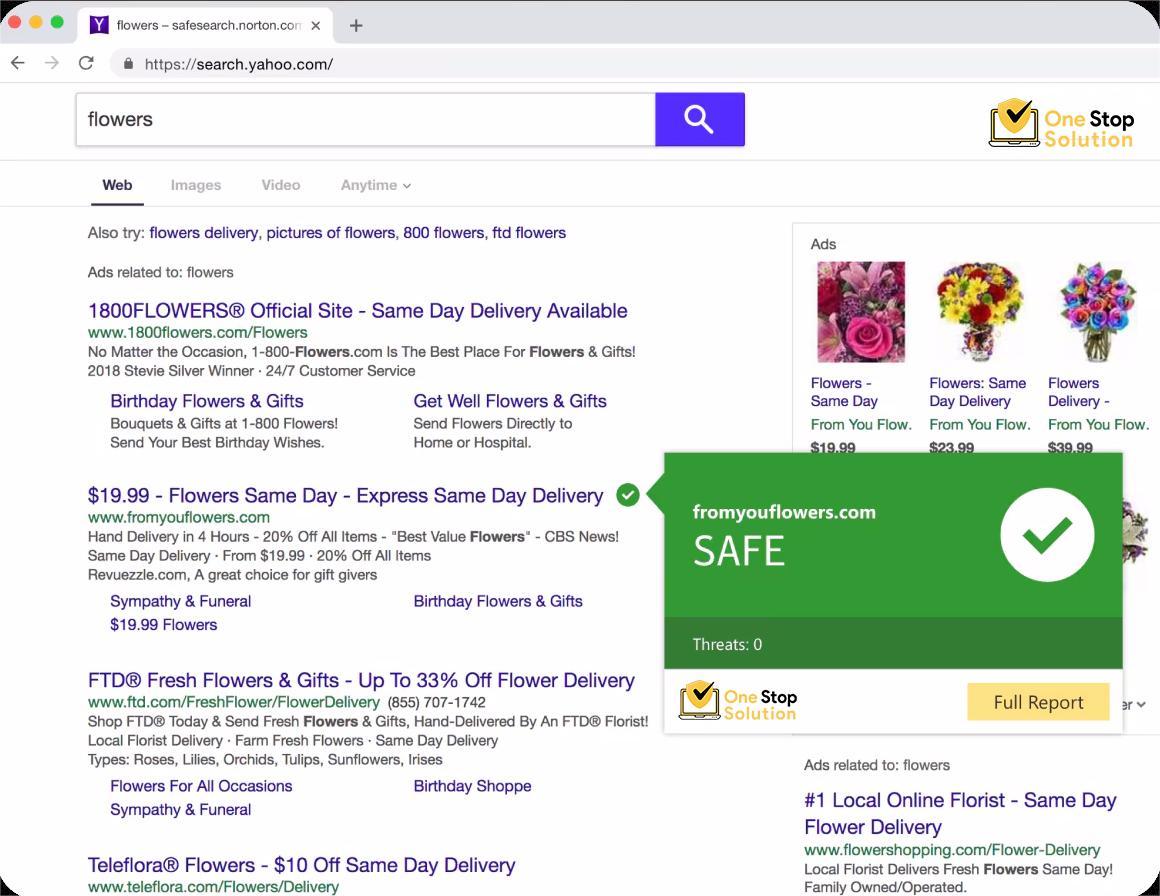
Plus, the Norton Safe Web browser extension now has several new features to help protect your PC in new ways.
Receive round-the-clock technical support from our expert team, available to help you with our products, services, and virus removal.
Our dedicated professionals are here to ensure your business runs smoothly, addressing any issues or questions you may have. Whether you need assistance with setup, troubleshooting, or maintaining your security.
Not everyone likes browser extensions, and some can feel unnecessary or intrusive. However, there is one browser extension that is very important to help protect you on the web, and that is the Norton Safe Web extension.
The Norton Safe Web browser extension is available for:
Google Chrome®
Mozilla Firefox®
Windows Edge®
Win Tech Keys plan with device security include the Norton Safe Web browser extension. If you are a current customer and you have not enabled the Norton Safe Web extension, you may see a warning in red in the Norton desktop app along with a notification to enable the SafeWeb extension.
We use a plethora of entertaining and helpful websites on the internet on a daily basis. Numerous websites on the internet also include online dangers like spyware and malware.
The cyberthreat landscape has changed, and there are new cyberthreats that specifically affect web browsers. We have added new features to help combat these new types of cyberthreats.
How can you enjoy the myriad of information that the web has to offer while avoiding some of the risks?
Win Tech Keys Safe Web enables you to do both.
Since most PC users spend a considerable amount of time using a web browser, it makes sense that hackers would target the browser itself.
"Dangers can originate from fraudulent online platforms, authentic websites that have been breached, and deceitful ads (known as 'malicious advertisements')
Win Tech Keys Device Security and the Norton Safe Web browser extension work together to help protect against many types of threats that you may encounter online, in your web browser or otherwise.
Newer cyberthreat types that we help protect against include cryptojacking, formjacking, and fake tech support:
Cryptojacking is a type of cybercrime where an attacker uses a victim's device to mine cryptocurrency without their knowledge or consent. The attacker infects the device with malware, which injects a script to access the device's processing power and mine cryptocurrency.
Form jacking is a type of cybercrime where an attacker injects malicious code into a website's payment form, allowing them to steal sensitive payment information, such as credit card numbers, expiration dates, and security codes, without the website owner's knowledge or consent.
Tech support scams are a type of cybercrime where an attacker poses as a legitimate technical support representative, often from a well-known company, and contacts a victim claiming that their device or software is infected with malware or has other technical issues.
In order to better protect your devices against the cyberthreats we’ve just described and many others,it is very important to install the Norton Safe Web extension.

Because the cyberthreat landscape continues to change and evolve, we have updated Norton Safe Web to provide even more features to help protect your devices—and the personal information they store—even better than before:.
Legitimate websites can be targeted by cybercriminals, older websites that are no longer managed may not be properly supported with good security, and some websites are built specifically to spread malware.
Is your browser making a loud noise telling you that your machine is infected and you must call a toll-free number to fix the security issue?
Is a site telling you that you must log in to confirm your recent credit card transactions?
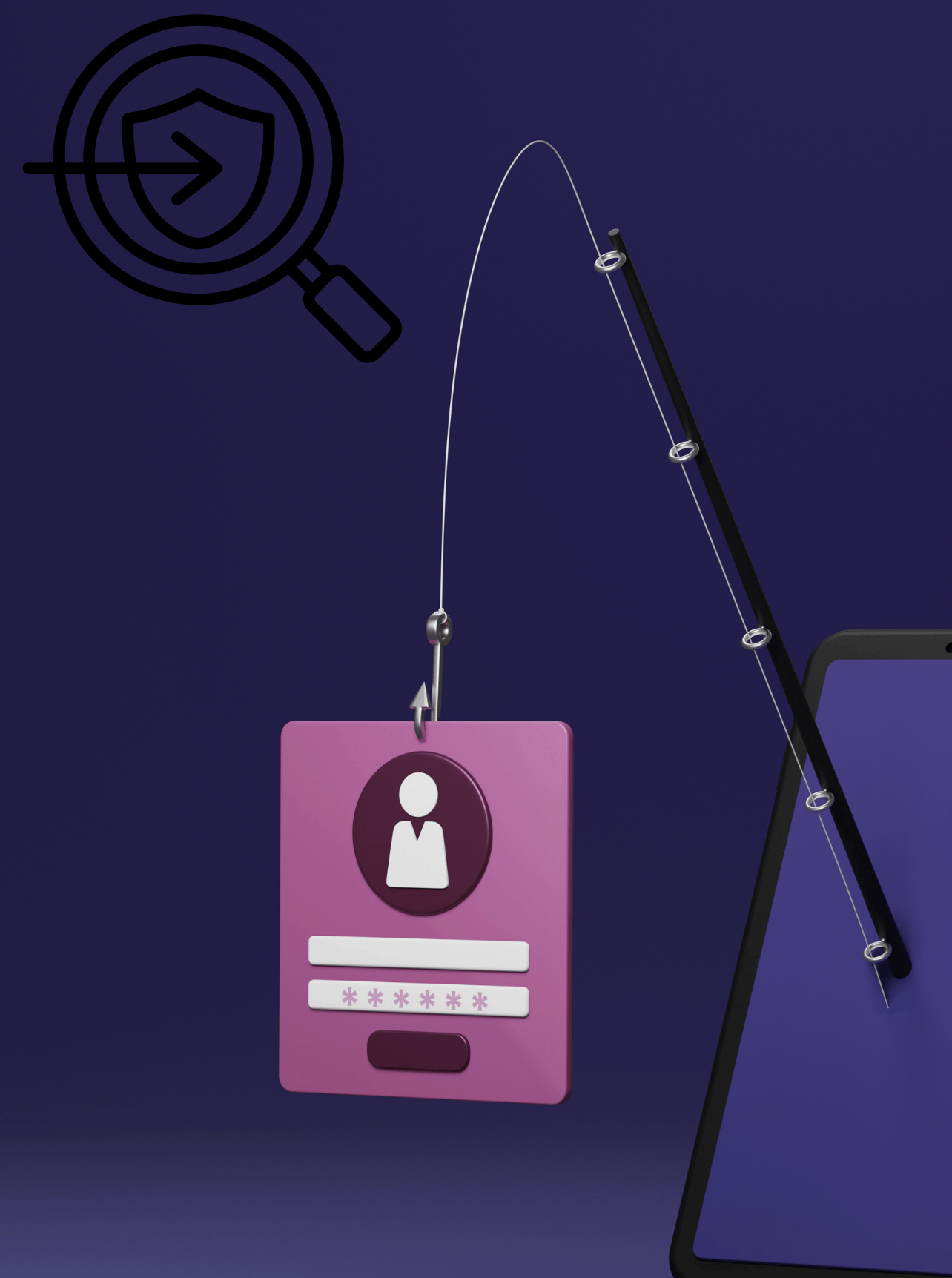
You may be about to give away your login credentials or credit card PIN number to cybercriminals, also known as getting “phished.”
Our scam protection in the Norton Safe Web browser extension gives you protection against fake tech support attacks.
The Norton Intrusion Protection System (IPS) is now available in web browsers (Microsoft Edge®, Chrome™, and FireFox™) as part of the Norton Safe Web browser extension.
IPS plays a critical role in filling holes created by bugs in operating systems, browsers, and applications. IPS detects and helps stop exploitations of security vulnerabilities.
IPS has been a part of Norton Device Security solutions for some time, but now that it is also a part of the Norton Safe Web browser extension, the content of suspicious web pages, advertisements and pop-ups are now cross-examined in an additional way, giving you even more protection when you browse the web.
Phishing attacks are a type of cybercrime where an attacker sends fraudulent emails, messages, or texts that appear to come from a legitimate source, such as a bank, social media platform, or online retailer. The goal of the attacker is to trick the victim into revealing sensitive information, such as login credentials, credit card numbers, or personal data.
In a phishing attack, cybercriminals attempt to deceive you into clicking on a link or downloading an attachment, often by sending a message that appears to be from someone you're familiar with and trust.
Google Chrome®
Mozilla Firefox®
Windows Edge®
Get the best of the Win Tech Keys Safe Web browser extension with a Win Tech Keys plan that includes device security, such as Win Tech Keys AntiVirus Plus or a Win Tech Keys 360 plan.